UWAGA!
\\\Tylko dla widzów o mocnych nerwach! ///
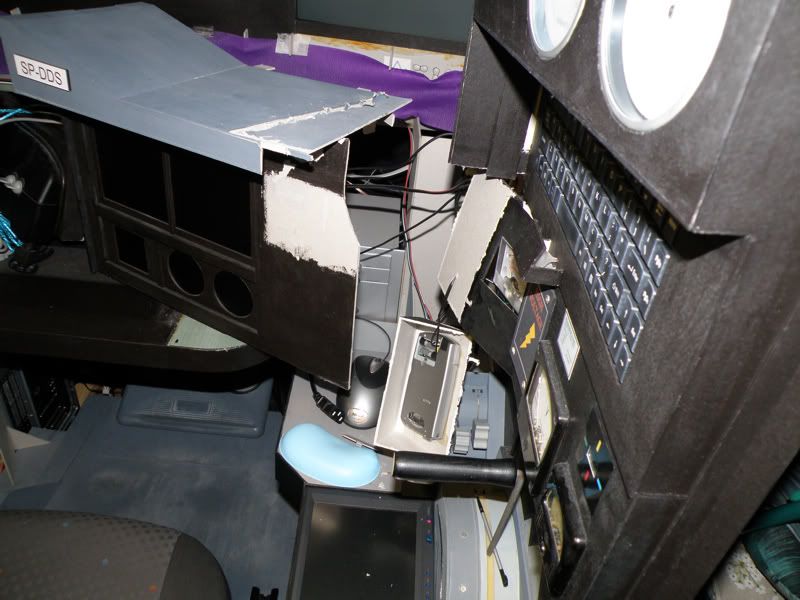
PS: Ktoś chętny na main panel?

Link do materiału archiwalnego, poświęconego pierwszej wersji kokpitu, znajduje się tutaj.
Moderatorzy: PZL Belfegor, RzEmYk

 http://www.allegro.pl/show_item.php?item=475642486
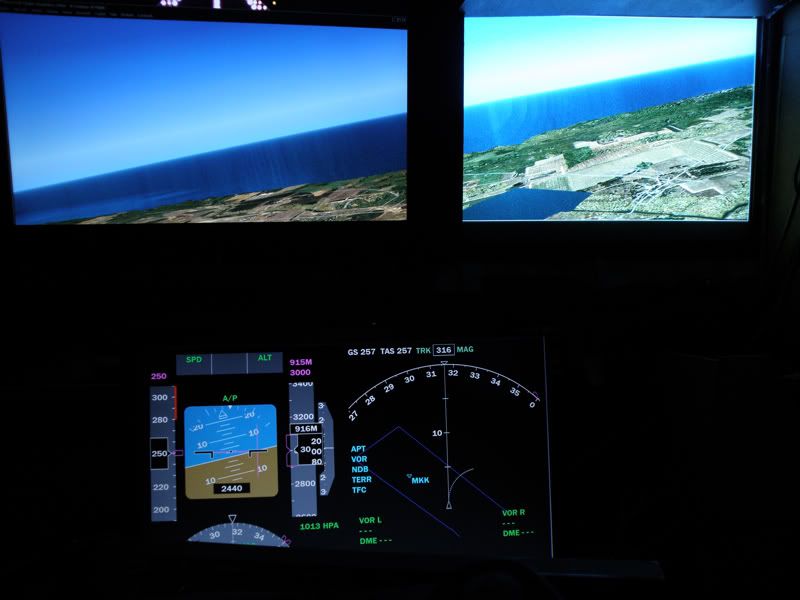 . Robione prawie tylko z trójki, także dość solidne.
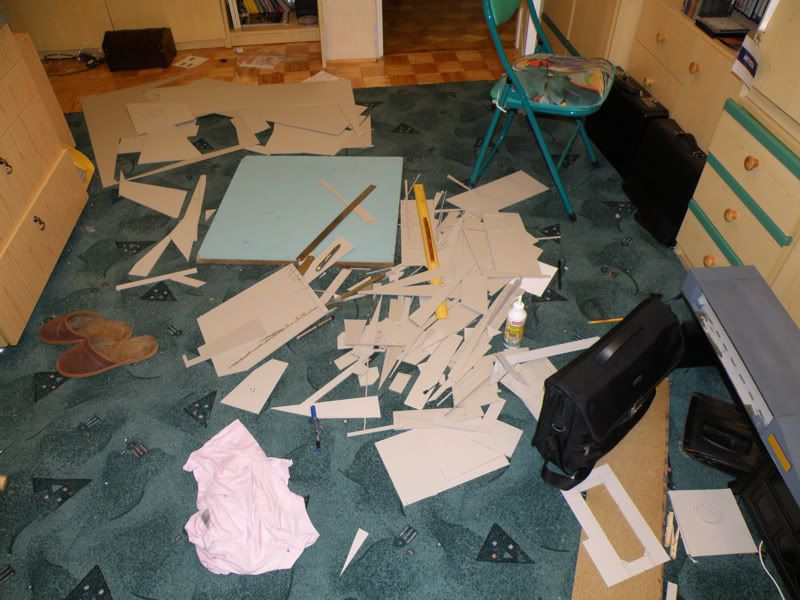
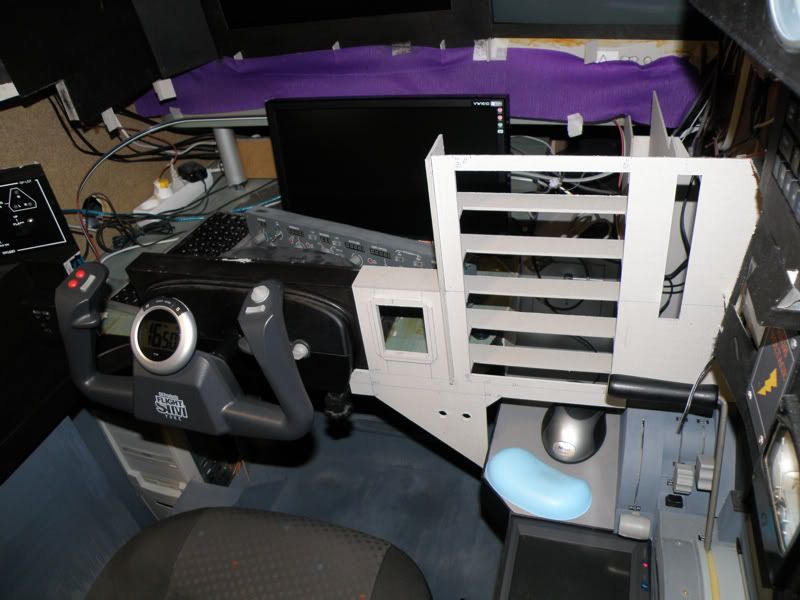 że mądrze oszkieletowana tektura jest naprawdę całkiem porządnym materiałem konstrukcyjnym, do zdobycia za śmieszne pieniądze. Dotyczy to również farb! Polecić mogę akryle jako łatwe do stosowania ze względu na rozpuszczalnik (może być woda), słaby zapach i dobry efekt. Nie polecam Basics, polecam za to APA Colors (znacznie lepsze pokrycie).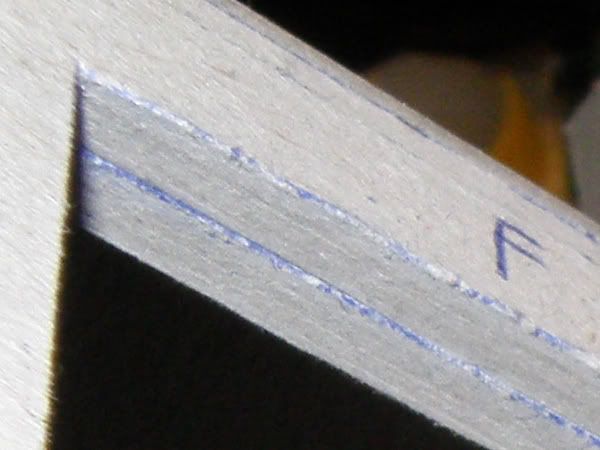
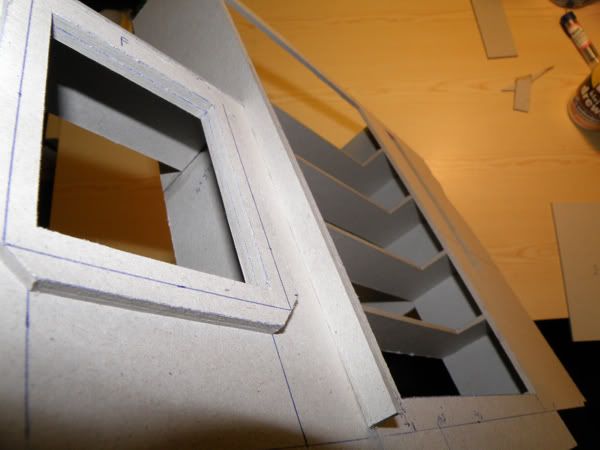
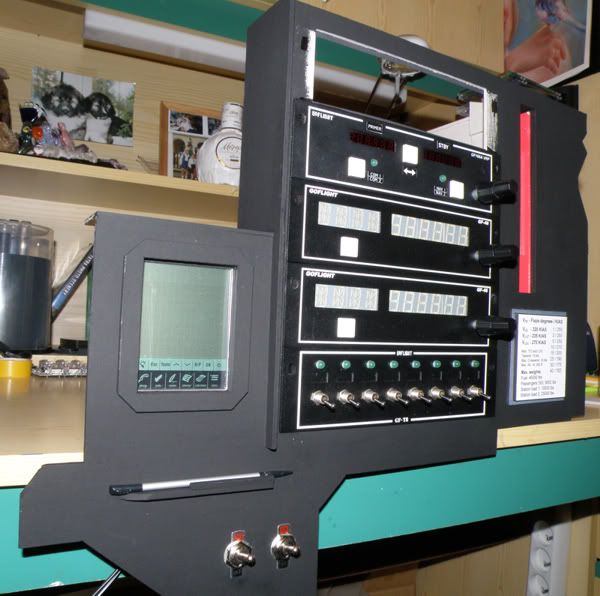
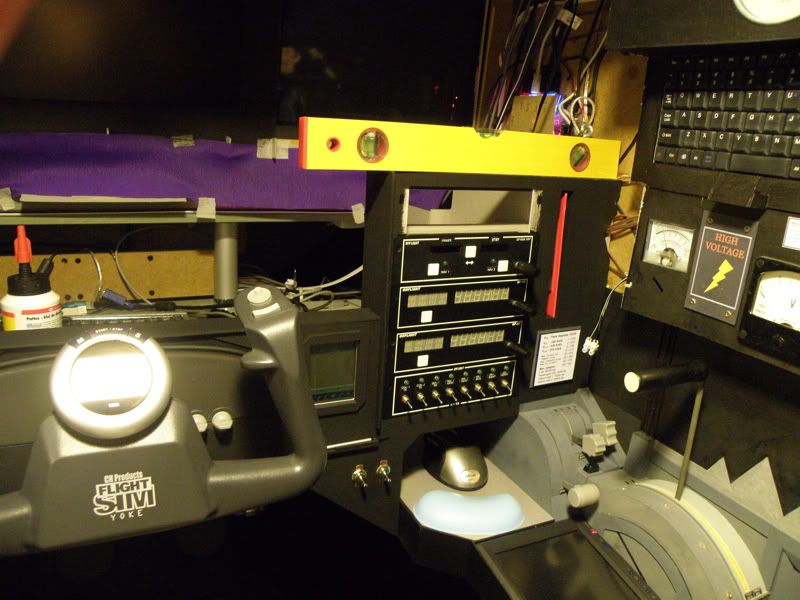
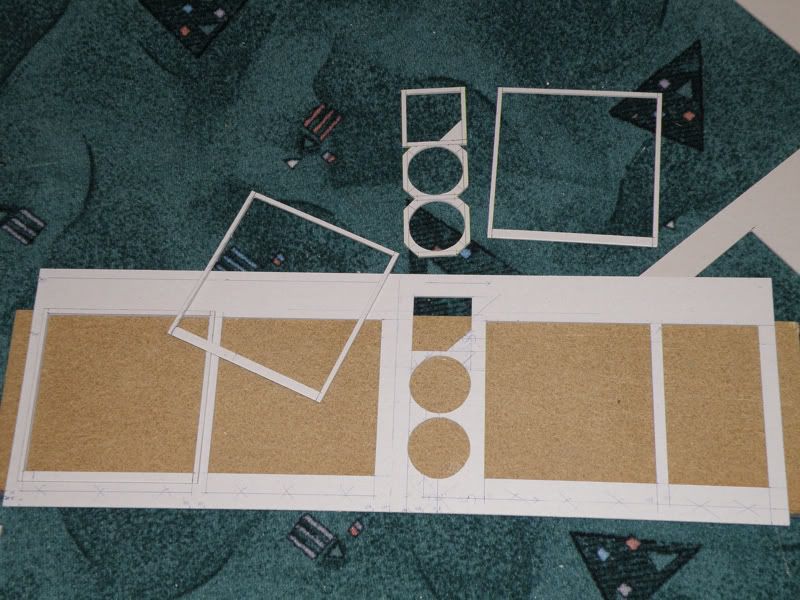
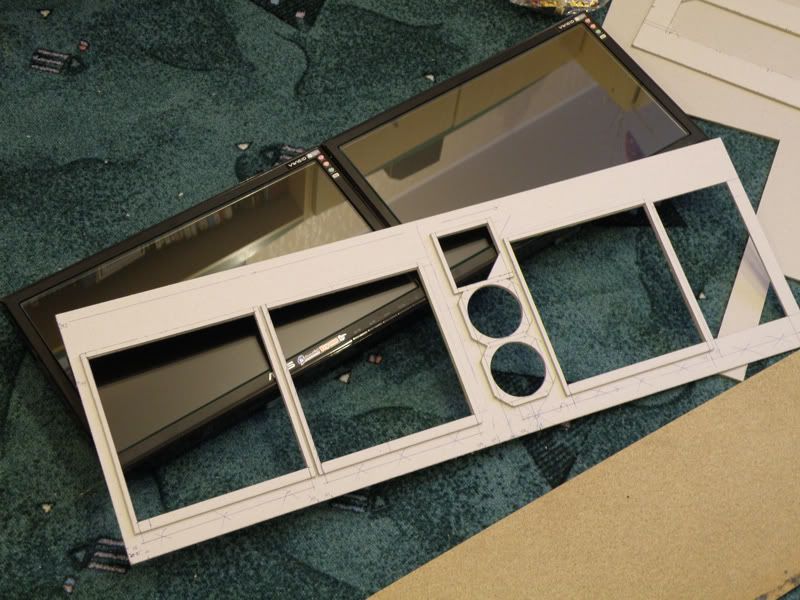 . Na samym końcu monitory zostały połączone od tyłu, a od przodu naklejona ramka z main panelem.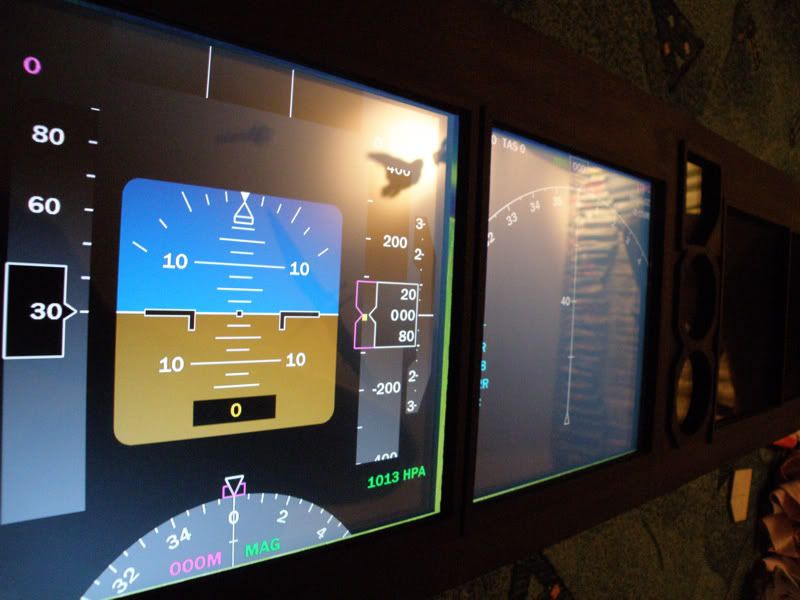
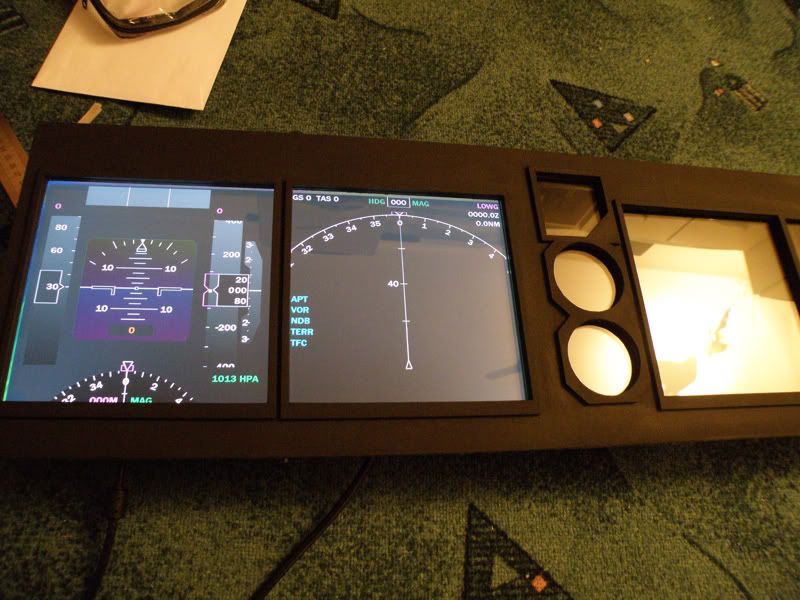 Z kabiny proszę bardzo, ale nic tam teraz nie ma. Po prostu cały przód jest wywalony.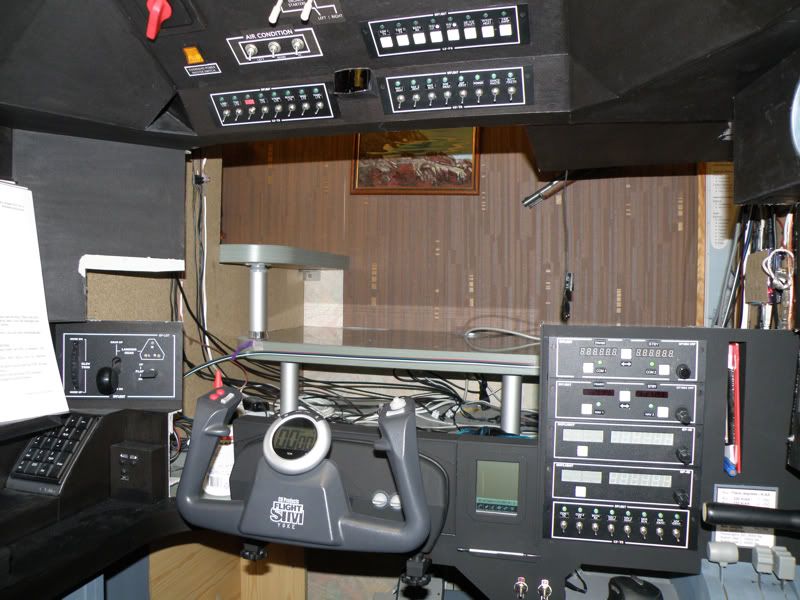
A po co Ci licencja?:P, licencja daje Ci to ze możesz zabrać do szybowca inna osobe, albo jezdzic na zawody i takie tam. No, ale jeśli chcesz isc dalej, np. w strone instruktorki to tak, licencja jest niezbedna, ale do szybownictwa nie musisz miec zdrowia kosmonauty heh;P..Olbi pisze:A czy ty nie wiesz że nie wszyscy mogą robić licencje lotniczą ? Wystarczą jakieś małe powikłania ...
Przypominam o wielkich literach.
. Odpalam kokpit z dwóch komputerów. Najpierw odpalam pierwszy i FS. Później odpalam ze specjalnego przycisku drugi. Z autostartu włacza się plik bat (http://en.wikipedia.org/wiki/Batch_file), który z odpowiednimi opóźnieniami przeprowadza dalszą sekwencję uruchamiania softu (w tym WideFS, FreeFD, VasFMC, AS6, Vatsim itd).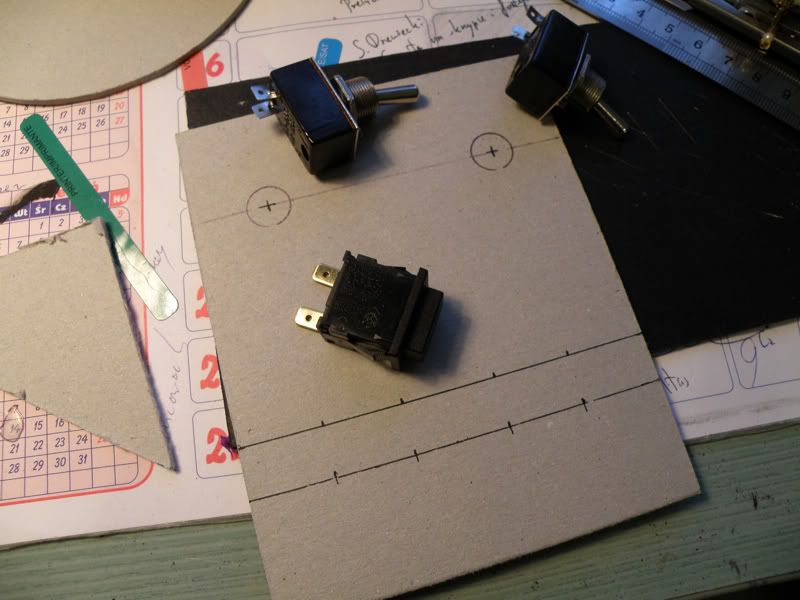
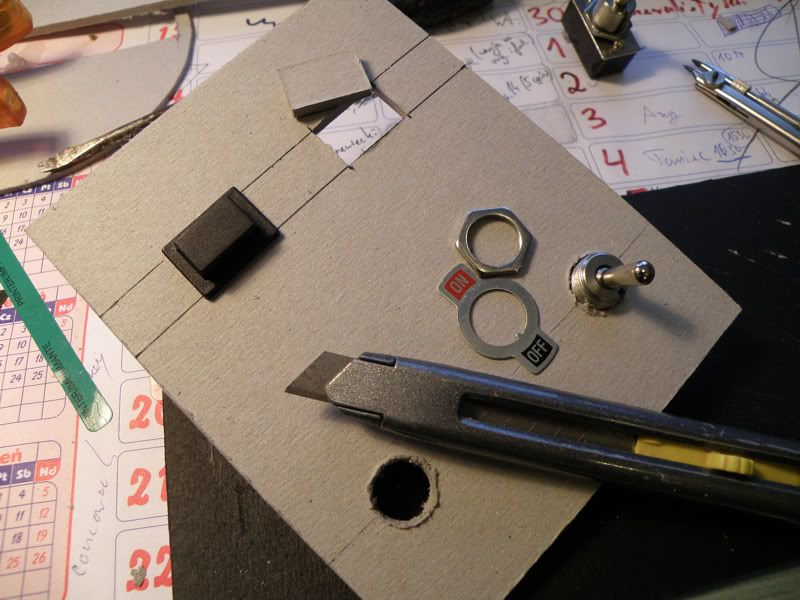
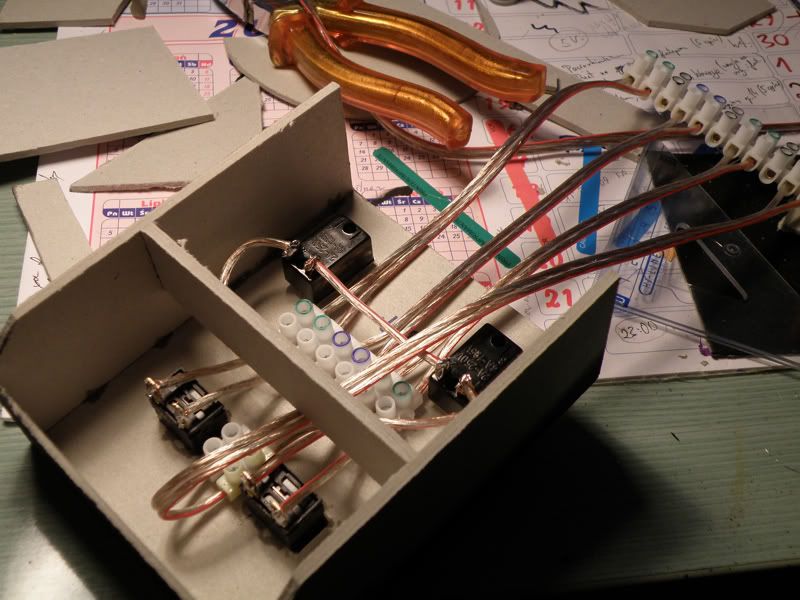 . Gdzie nie da się połączyć kostką, bierzemy lutownicę, cynę i lepimy.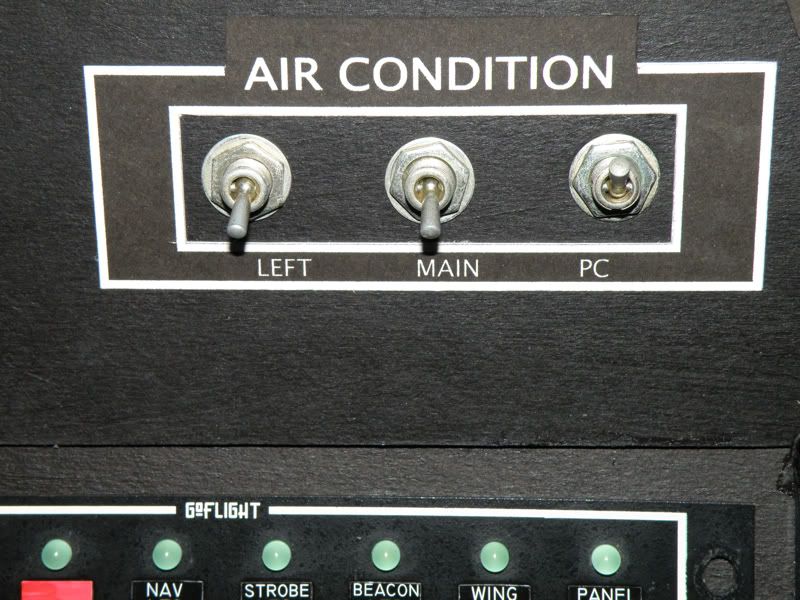
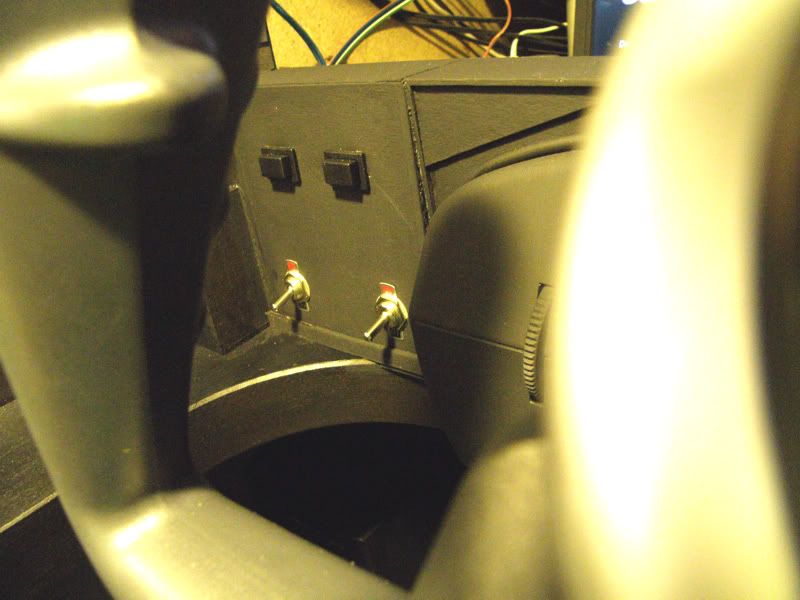
 . Bardzo się cieszę, bo był to długi i pracochłonny etap, teraz właściwie pozostaje już prawie sama obudowa i oświetlenie. Mam już skonfigurowane Vatsim na client PC i właściwie wykonanie poprawnego lotu nie wymaga w ogóle używania ani klawiatury ani myszy (FMC mam jako ekran dotykowy). Myślę, że jak dobrze pójdzie, w drugim tygodniu stycznia powinienem zbliżać się do końca. Tymczasem może spróbuję strzelić sobie jakiś locik online bez kontroli kwoli sprawdzenia, ale najpierw małego, w końcu sylwester Oczywiście powstają różne rysunki przedstawiające poszczególne elementy, ale te elementy są tak indywidualnie dopasowywane, że przynajmniej JA nie podejmę się odtworzenia całej kabiny na papierze
 I probably spent the most time configuring the network. I have never done this before as my setup was always running on one PC. Now I know that advantages of putting all stand-alone applications on Client PC are really huge and very comfortable in the same time. My whole cockpit setup starts on "one click" (actually two clicks, I need to start two computers). Power switch for the Client PC is placed on the main panel so I don't need to go out of the cabin. After Windows is loaded, batch files on both computers are automatically starting from Autostart folder. These file open all required applications in a specific order with programmed delays if needed. From FS computer only FS, Fuel Planner, ScreenShooter and obviously FSUIPC are launched. Client PC starts WideFS, VasFMC, FreeFD, Active Sky, GFKey, GFdisplay, pmSounds and FSInn. All applications start working automatically, I don't need to do anything more except for opening ATC, chat and WX windows in FSInn and clicking on VATSIM to connect to the network. Even Flight Simulator loads a default flight itself (I need to load a default flight first to have front views properly alligned). Afterward I just need to fill in a flightplan and I am ready to fly. It make actually three steps to complete to be prepared for an online flight and just one step for an offline flight - both PCs starters on. Easy, yep?
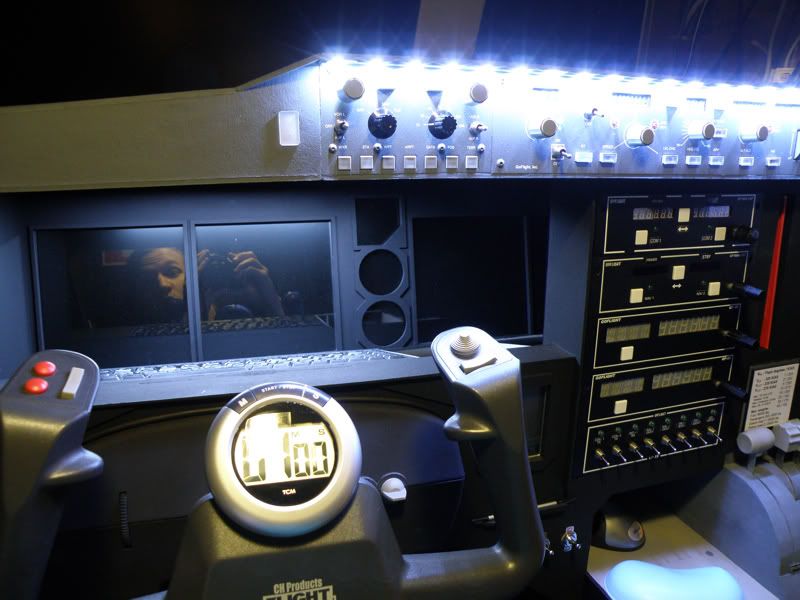
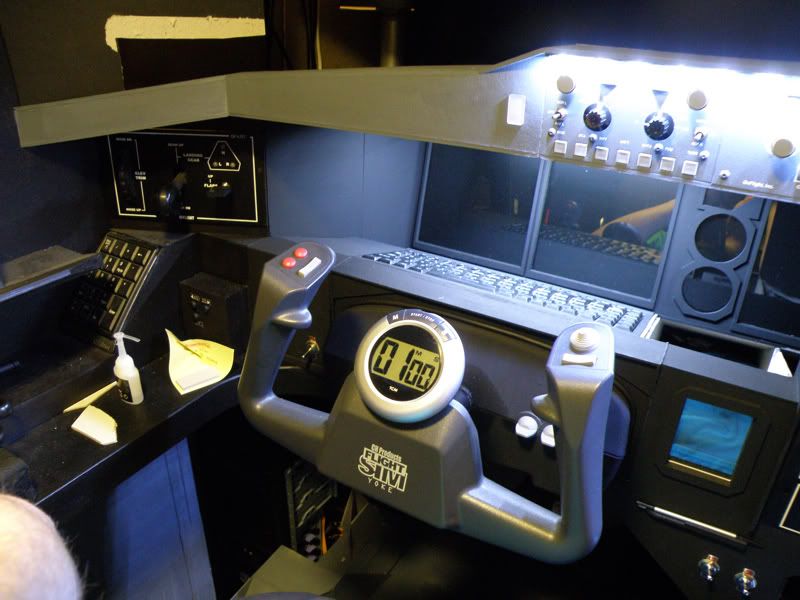


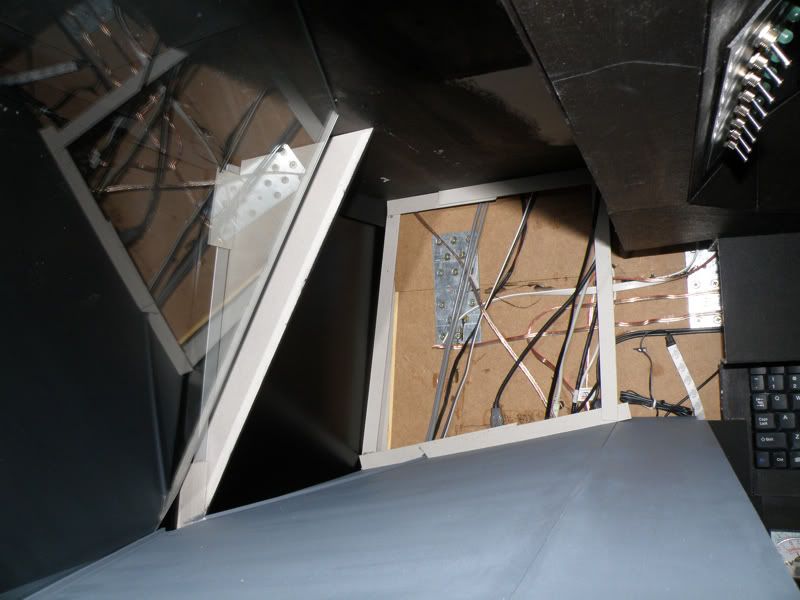
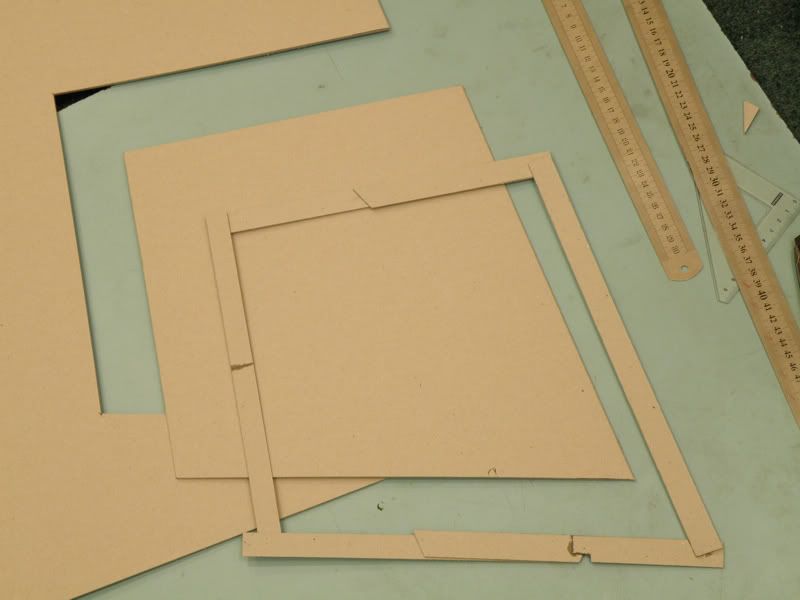
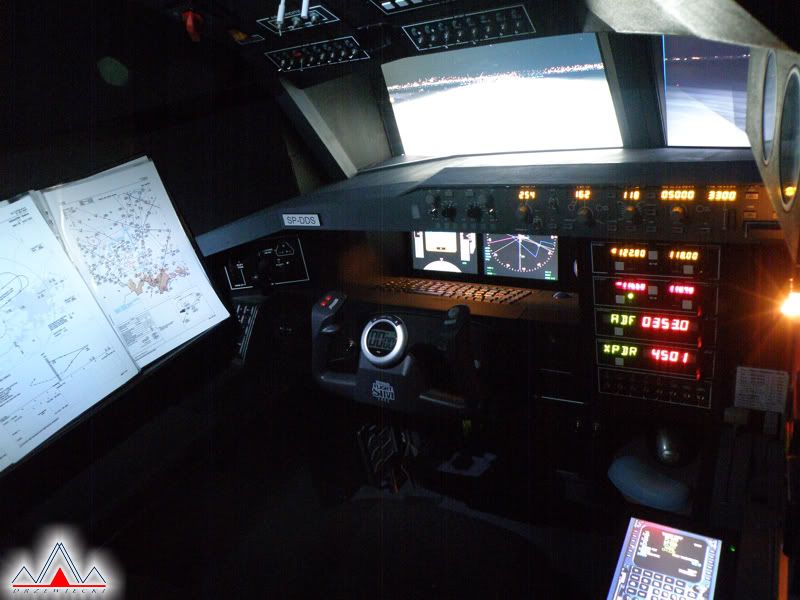
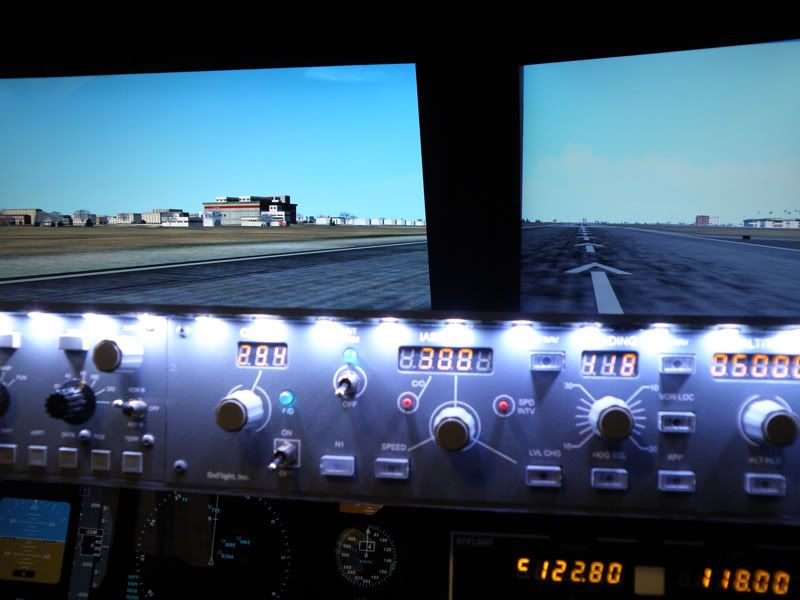
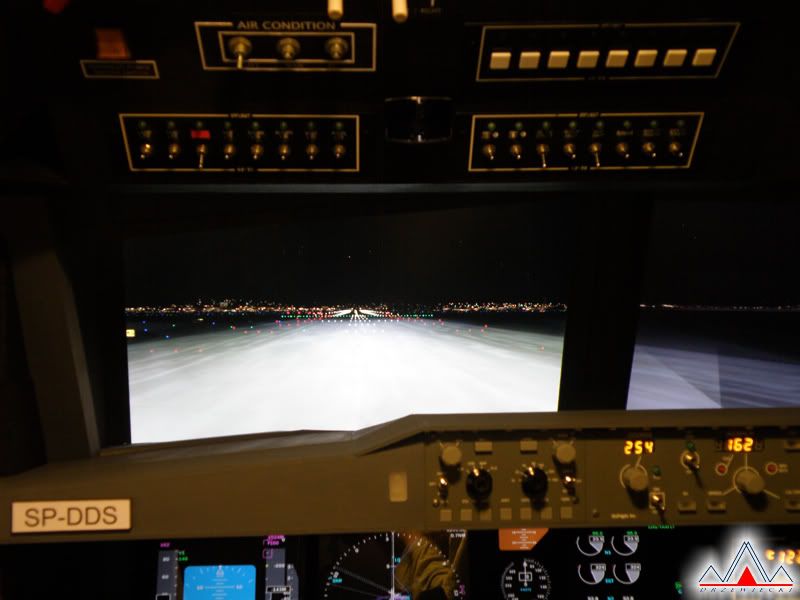
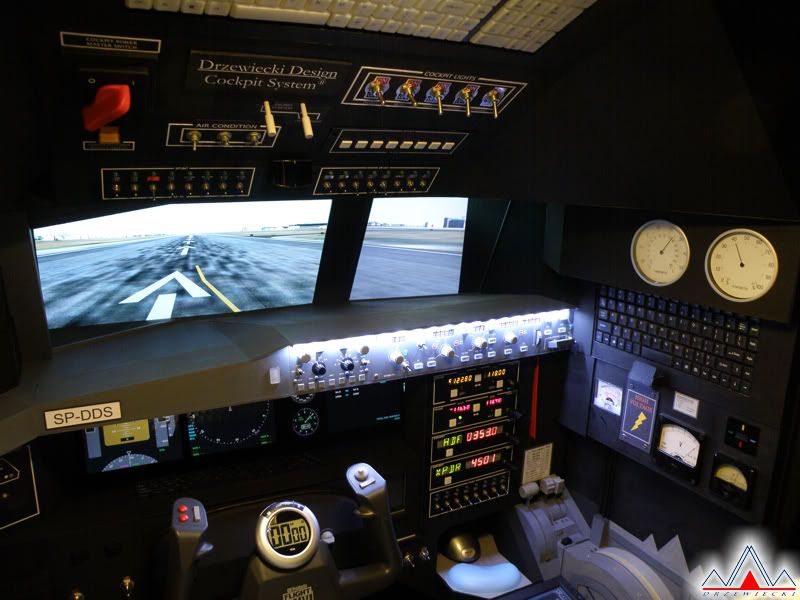
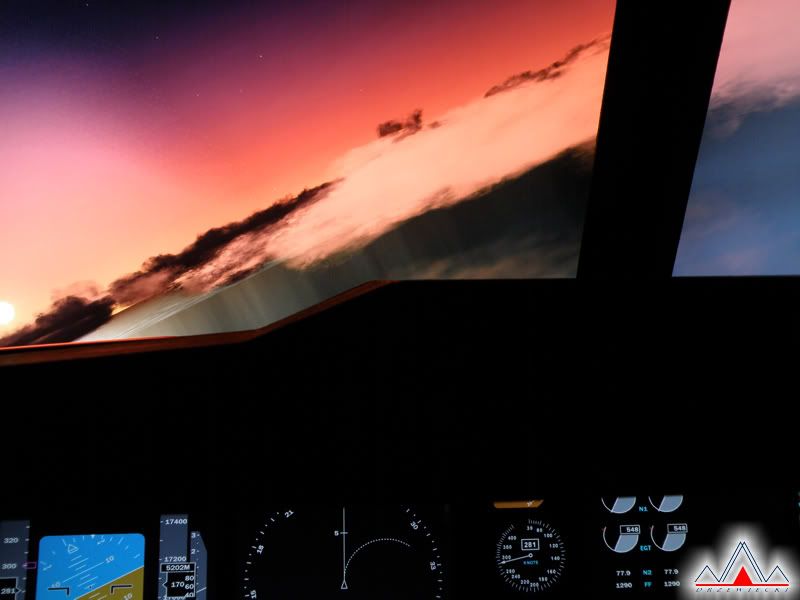
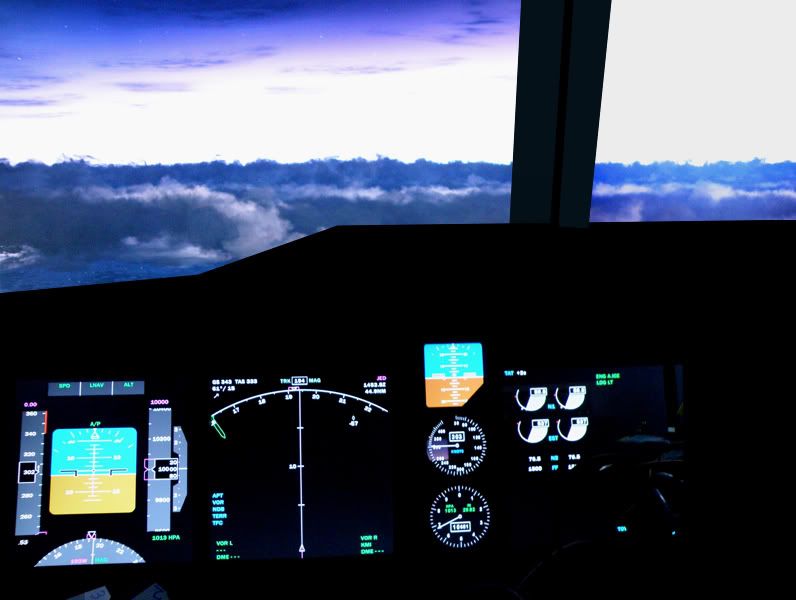
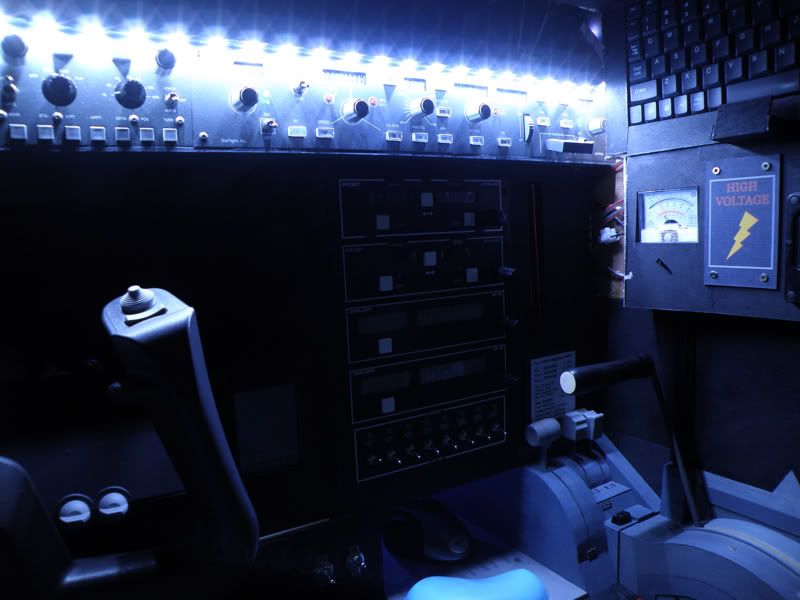
 Mnie finalny efekt w miarę zadowala, kabinka jest dość intuicyjna i funkcjonalna, ale proszę, oceńcie sami! Przedstawiam kilka zdjęć. Na mojej stronie pełna galeria pojawi się w przyszłym tygodniu.